
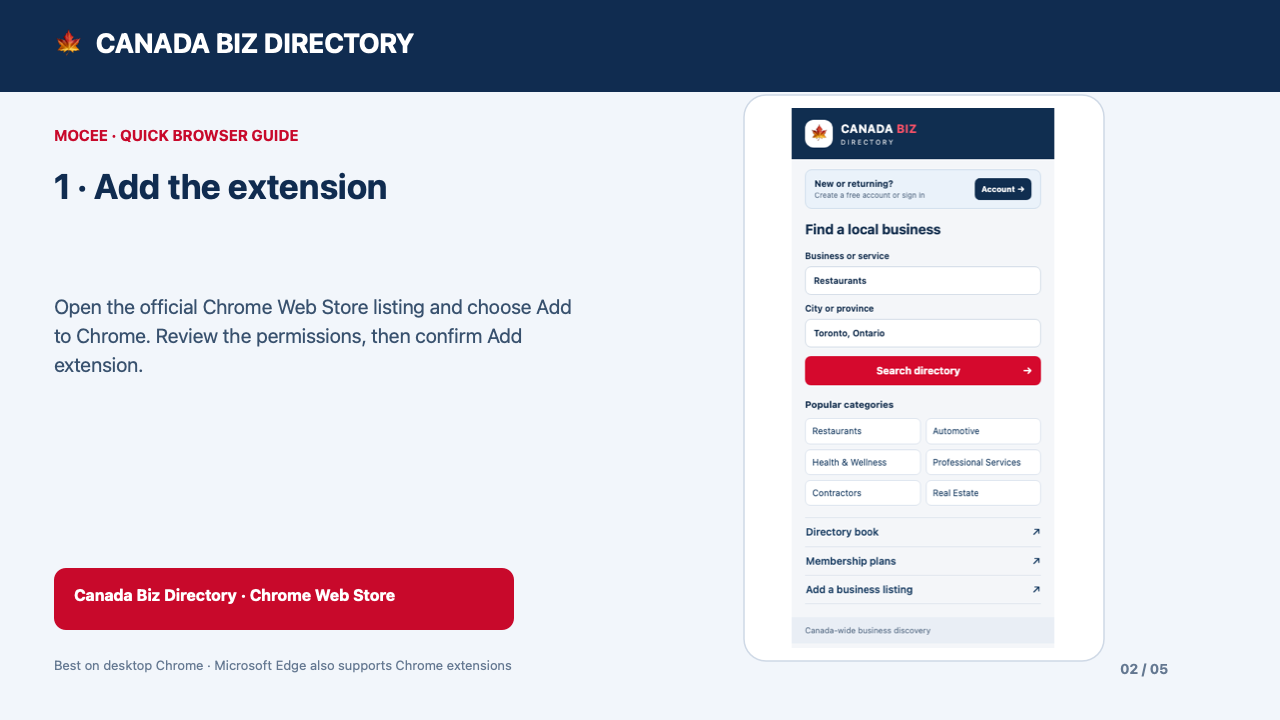
Open the listing
Select “Add to Chrome” above to open the official Chrome Web Store page for Canada Biz Directory.
Install the free Canada Biz Directory extension, pin it to your toolbar, and search by business or service plus city or province—without hunting through menus.
On a desktop browser, follow these quick steps:
Select “Add to Chrome” above to open the official Chrome Web Store page for Canada Biz Directory.
Choose Add to Chrome. Review the permission prompt, then select Add extension.
Open the Extensions puzzle icon, find Canada Biz Directory, and choose Pin so it stays handy in your toolbar.
Enter a service and a city or province, or tap a popular category. Select Search directory to view matching listings.
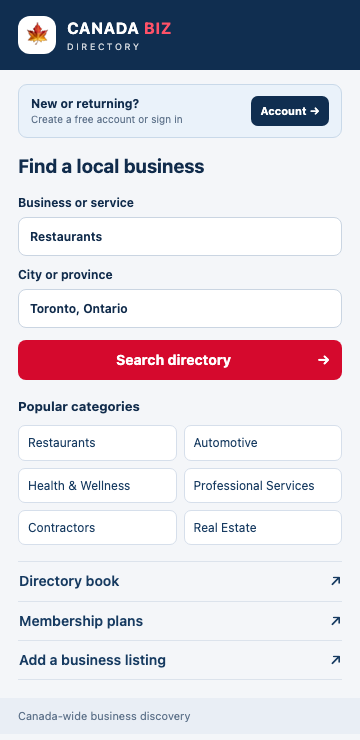
For example, enter “Restaurants” and “Toronto, Ontario,” or choose a category such as Automotive, Contractors, Health & Wellness, or Real Estate. Choose Search directory to see matching listings in the Canada Biz Directory.
Open Canada Biz Directory in the Chrome Web Store ↗Browser note: The extension is designed for desktop Chrome. Microsoft Edge also supports Chrome extensions; other browsers and mobile devices may vary. Edge install instructions ↗ · Chrome install instructions ↗